Support & Downloads

Explore practical guides, expert insights, and resources for organizational design, workforce planning, and people analytics.

Contact Info
info@orgmetrix.com sales@orgmetrix.com
Follow Us

Welcome

Org Chart Software: Features, Benefits, and How to Choose the Right Tool

As organizations grow, keeping track of employees, departments, management levels, and reporting relationships becomes increasingly challenging. A simple diagram may work for a small team, but larger businesses often need a more efficient way to create, update, and manage their organizational structures.

Org chart software helps businesses visualize company hierarchy, organize employee information, and understand how different teams connect. Depending on the platform, it can also support data integration, workforce analysis, and organizational planning.

In this guide, we explain what org chart software is, explore its essential features and benefits, and outline how to choose the right solution for your organization.

What Is Org Chart Software?

Org chart software is a digital tool used to create, display, and manage organizational charts. It represents the relationships between employees, managers, departments, and business units through a visual hierarchy.

Instead of creating every employee box and reporting line manually, businesses can use dedicated software to organize their workforce information and generate visual representations of their company structure.

Depending on the solution, users may be able to:

  • Create organizational charts for different departments and business units.
  • Visualize employee reporting relationships.
  • Display employee names, job titles, and other relevant information.
  • Navigate large organizational structures.
  • Import or synchronize employee data through supported integrations.
  • Export organizational charts for presentations and reports.
  • Review workforce structures and proposed organizational changes.

Why Do Businesses Need Org Chart Software?

Managing organizational information manually can become difficult as a company adds employees, creates new departments, or changes reporting relationships.

Common challenges include:

  • Outdated employee and reporting information.
  • Difficulty understanding complex company structures.
  • Time-consuming manual chart updates.
  • Limited visibility across departments.
  • Difficulty communicating organizational changes.
  • Inconsistent employee information across different documents.

Org chart software can help address these challenges by providing a centralized way to visualize and manage organizational structures.

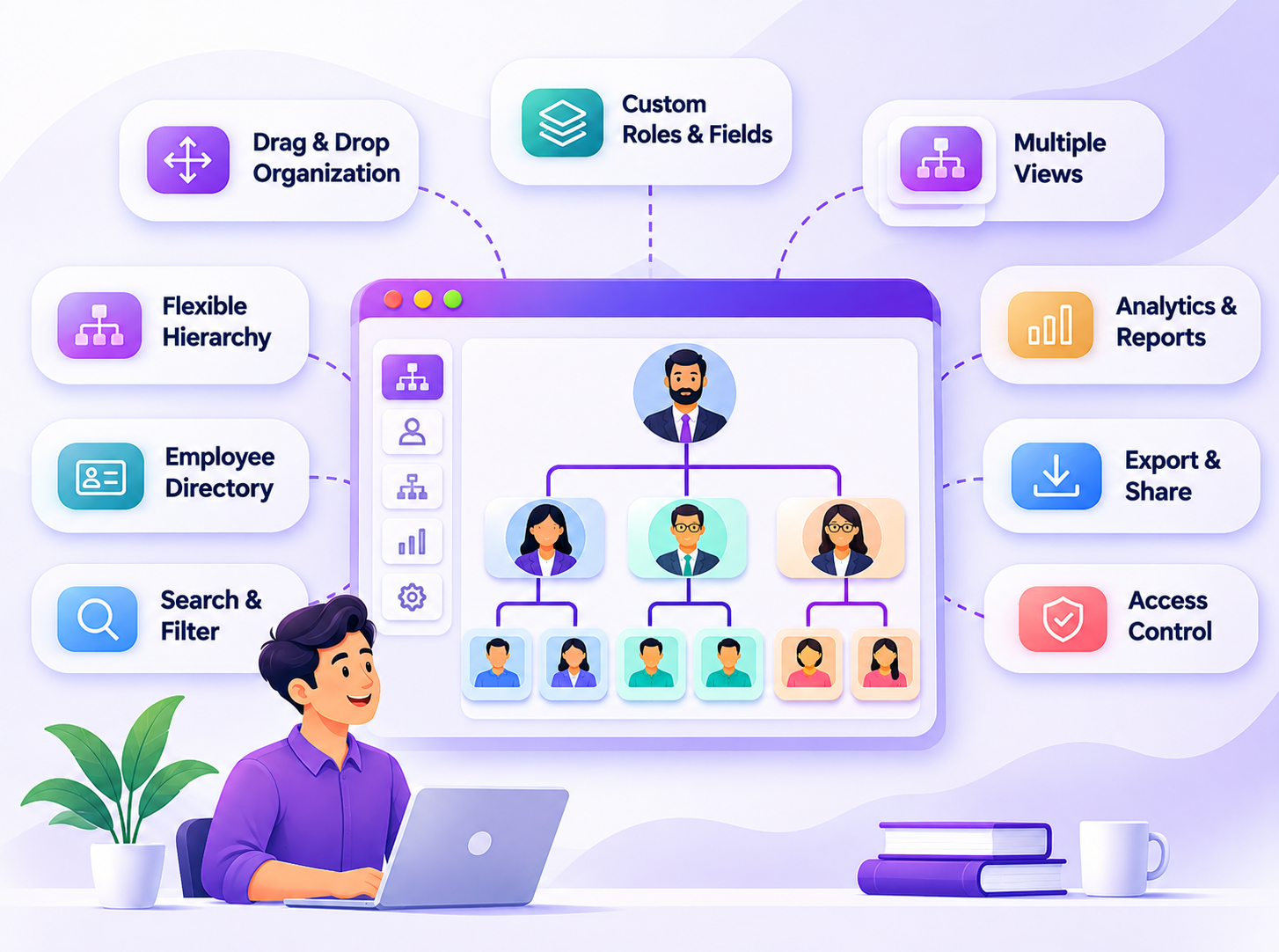
Essential Features of Org Chart Software

Not every org charting tool offers the same capabilities. Before selecting a platform, understand which features are important for your organization’s requirements.

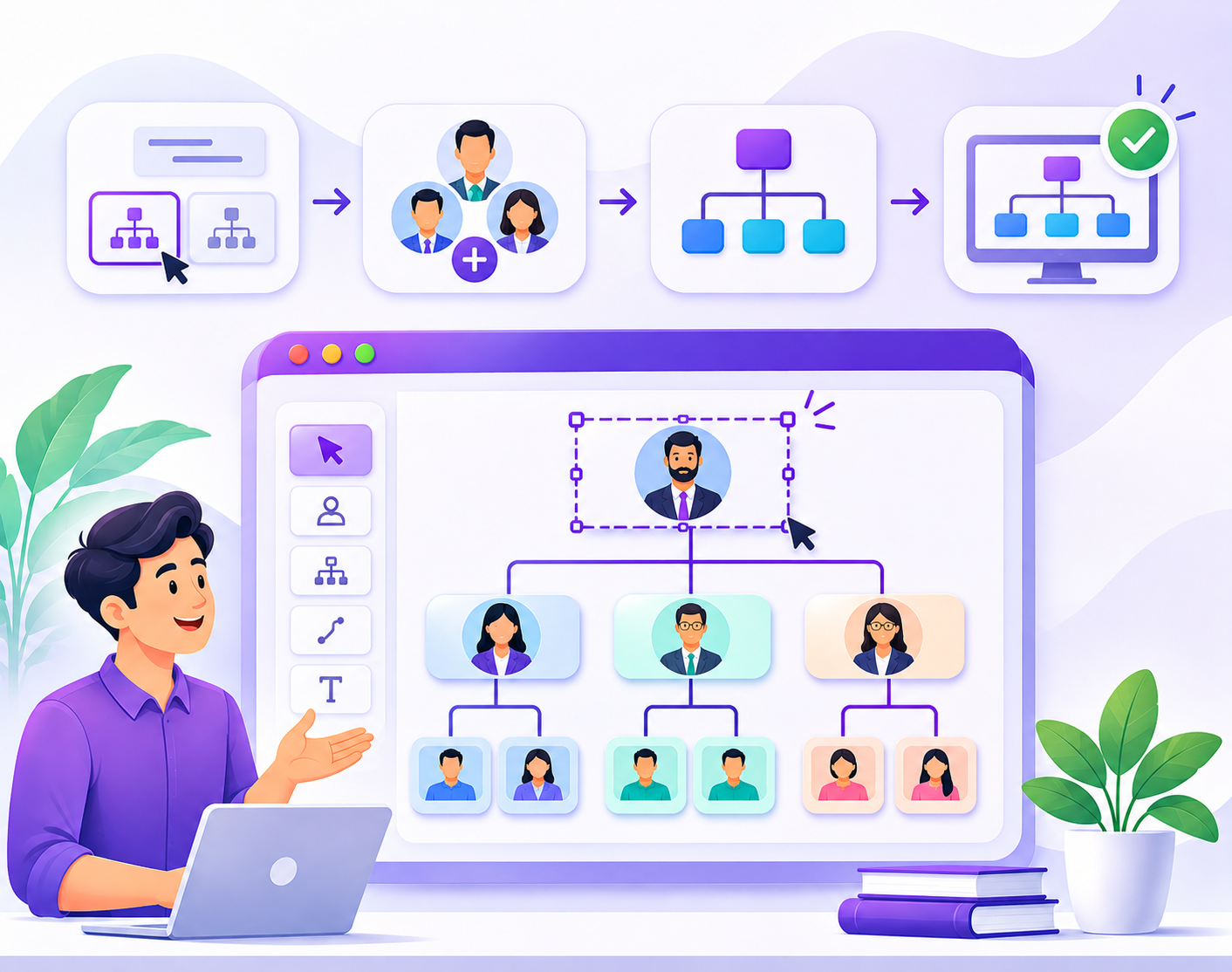
1. Automatic Organizational Chart Generation

Creating employee cards and connecting reporting lines manually can take considerable time, especially in large organizations.

Org chart software can use structured employee information to generate organizational charts. Depending on the platform, users may be able to create charts from imported employee data or connected systems.

2. Employee Information Management

An organizational chart becomes more useful when it provides relevant information about each employee.

Useful employee details may include:

  • Employee name and photograph.
  • Job title and designation.
  • Department and business unit.
  • Reporting manager.
  • Employee identification details.
  • Work location and contact information, where appropriate.

Choose a solution that supports the employee information your organization needs while respecting privacy and access requirements.

3. Interactive Org Chart Navigation

Large organizational charts can contain hundreds or thousands of employee positions. Displaying the entire structure on one screen may make it difficult to read.

Interactive navigation can make it easier to explore departments, expand or collapse reporting levels, and move between different sections of the organization.

4. Department and Business Unit Views

Organizations often need to view their structure at different levels. Department-based views can help managers focus on their own teams while executives review the wider company hierarchy.

Look for tools that make it easy to explore departments, business units, and reporting groups.

5. Employee Search and Directory

An employee search feature helps users find people by name, job title, department, or other available fields.

When combined with an employee directory, an organizational chart can help staff understand both where a person works and where they fit within the company structure.

6. Data Import and Integrations

Employee information may already exist in HR systems, spreadsheets, databases, or other business applications.

Org chart software may support importing data or connecting to external systems through available integrations and APIs. This can reduce repeated manual data entry.

Before choosing a platform, verify which systems it supports, how data synchronization works, and whether the integration meets your organization’s requirements.

7. Exporting and Sharing

Businesses often need to share organizational charts with executives, department managers, employees, or external stakeholders.

Depending on the software, export options may include:

  • PDF documents.
  • PowerPoint presentations.
  • Image files.
  • Shareable digital views.

Check the available export formats and whether the output remains readable for large organizational structures.

8. Security and Access Management

Organizational information may include employee details and management relationships that should not be visible to everyone.

Evaluate whether the software provides suitable user permissions, role-based access, authentication options, and data protection controls for your organization.

Benefits of Using Org Chart Software

Using dedicated organizational chart software can provide practical advantages for HR teams, managers, and business leaders.

Improved Organizational Visibility

A visual representation of the company structure helps employees and managers understand departments, management levels, and reporting relationships.

Reduced Manual Maintenance

Tools that support data imports, automated chart generation, or integrations can reduce the work involved in updating organizational charts.

Better Communication

Employees can identify the relevant teams and managers more easily, helping them understand how different functions connect.

Support for Workforce Planning

Managers and HR professionals can review existing reporting structures, identify potential staffing gaps, and evaluate proposed organizational changes.

More Efficient Employee Onboarding

New employees can use an organizational chart to understand the company’s structure, identify colleagues, and learn how their roles relate to other teams.

Clearer Organizational Change Management

When a company restructures departments or changes reporting relationships, organizational chart software can help communicate the proposed or updated structure.

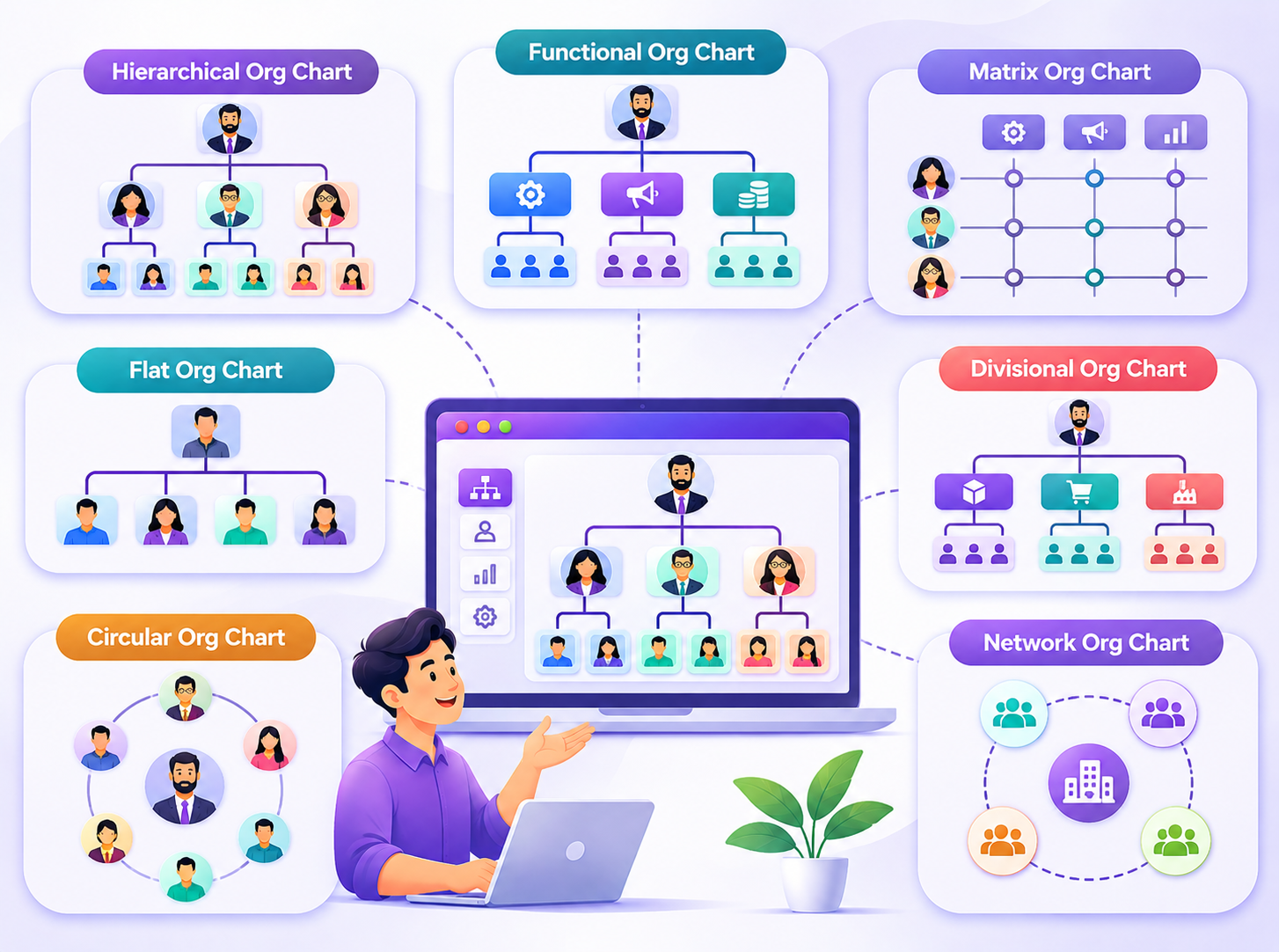
Types of Org Chart Software

Organizational chart tools differ in their purpose, complexity, and capabilities. Understanding the main types can help you select a suitable solution.

1. Basic Org Chart Makers

Basic org chart makers focus on creating visual diagrams. They are suitable for individuals and small teams that need straightforward organizational charts.

2. Diagramming and Presentation Tools

General diagramming and presentation applications can be used to create organizational charts alongside other business diagrams and presentations. They may require manual updates when the company structure changes.

3. HR-Connected Org Chart Platforms

These platforms connect organizational charting with employee information from supported HR systems. Their capabilities depend on available integrations and data synchronization options.

4. Workforce Intelligence Platforms

Some platforms combine organizational charting with workforce analytics, talent information, planning, and other people-management capabilities. They are useful for organizations that need more than a static hierarchy diagram.

How to Choose the Right Org Chart Software

The right platform should match your organization’s size, data environment, reporting requirements, and long-term goals.

1. Understand Your Organizational Requirements

Start by identifying what you want the software to accomplish. Do you need a basic company hierarchy, an interactive employee directory, department-level views, or broader workforce analysis?

Define your requirements before comparing products.

2. Consider Your Organization’s Size

A tool suitable for a small company may not provide the navigation, data handling, or access management required by a large enterprise.

Consider the number of employees, departments, business units, and reporting levels the software must support.

3. Check Data Import and Integration Options

Review how employee information enters the platform. Check whether the software supports your existing HR systems, spreadsheets, databases, or required APIs.

4. Evaluate Ease of Use

The software should make it easy for authorized users to create, navigate, review, and maintain organizational charts.

Consider the experience of HR administrators, department managers, executives, and employees who will use the system.

5. Review Security and Permissions

Check how the platform handles employee information, user permissions, authentication, and access restrictions. These requirements are especially important for organizations managing sensitive workforce data.

6. Compare Pricing and Long-Term Value

Compare pricing plans based on employee limits, available features, integrations, support, and subscription terms. Consider the total cost of ownership rather than selecting a product based only on its starting price.

7. Test the Software Before Making a Decision

Where possible, request a demonstration or trial. Test the platform using representative organizational data and evaluate whether it meets your practical requirements.

Org Chart Software Comparison Checklist

Use this checklist when evaluating different solutions:

  • Does it support the organizational structure we use?
  • Can it handle our employee count and reporting complexity?
  • Can employee information be imported or synchronized?
  • Does it provide interactive chart navigation?
  • Can users search for employees and departments?
  • Does it support the export formats we require?
  • Can we manage user access and permissions?
  • Does the pricing fit our budget?
  • Is the platform suitable for our future requirements?

Explore Org Charting and Workforce Visibility with OrgMetrix

OrgMetrix brings organizational charting and workforce-related capabilities together to help businesses visualize their structures and understand workforce information.

Organizations evaluating an org charting platform can explore capabilities such as organizational visualization, employee information, workforce insights, and supported integrations based on their requirements.

To learn more, visit the OrgMetrix features page or explore the OrgMetrix platform.

Frequently Asked Questions

What is the purpose of org chart software?

Org chart software helps businesses create and manage visual representations of their organizational structures, including employees, departments, management levels, and reporting relationships.

Is org chart software different from an org chart maker?

An org chart maker generally focuses on creating organizational diagrams. Org chart software may offer additional capabilities such as employee data management, integrations, interactive navigation, and workforce analysis.

Can org chart software automatically update employee information?

Some platforms support automated updates through integrations or data synchronization. The available automation depends on the software, connected data sources, and configuration.

Can I create an organizational chart for a large company?

Yes. Many dedicated org chart platforms are designed to represent complex organizational structures. Check the supported employee limits, navigation features, and data-handling capabilities before choosing a solution.

Does org chart software support workforce planning?

Some platforms combine organizational charting with workforce planning and analytics capabilities. These tools can help organizations review reporting structures and evaluate proposed changes.

Can organizational charts be exported to PDF or PowerPoint?

Some org chart platforms support PDF, PowerPoint, or image exports. Available formats vary by product, so verify the export options before selecting a tool.

Who should use org chart software?

HR teams, business owners, executives, department managers, consultants, and workforce planning professionals can use org chart software to understand and communicate organizational structures.

Conclusion

Org chart software makes it easier to visualize company hierarchy, understand reporting relationships, and manage organizational information. The right solution can help businesses reduce manual chart maintenance, improve organizational visibility, and support workforce planning.

Before selecting a platform, evaluate its features, integrations, security, usability, scalability, and pricing. Choose a solution that meets your current needs while supporting the way your organization expects to grow.

Explore OrgMetrix to learn how organizational charting and workforce intelligence capabilities can support better organizational visibility.

Post a Comment